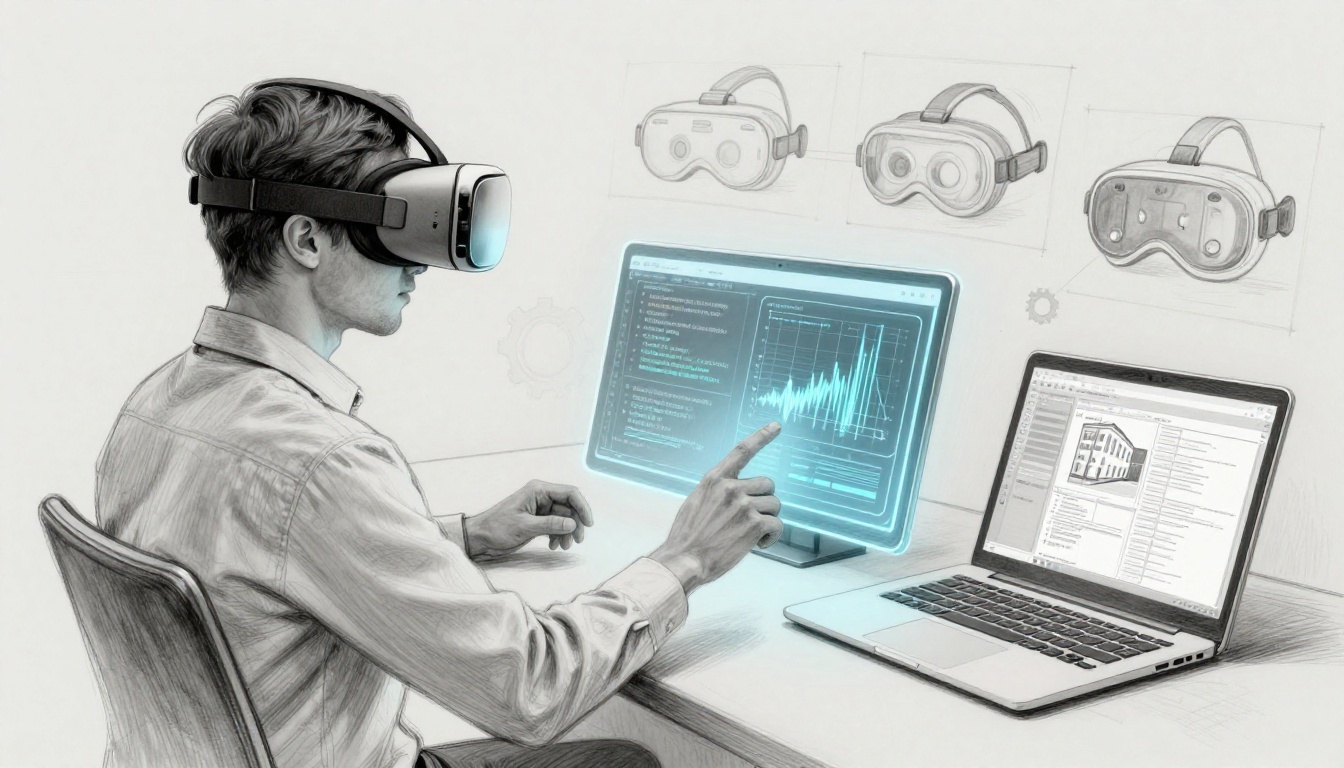
VR and AR careers are hiring people right now. In March 2026, teams want hands-on skills tied to what new headsets can do. That includes hand tracking, passthrough, eye tracking, and spatial audio. Hardware moves fast, so beginners who start now can catch up quickly.
You don’t need a fancy degree to begin. You need the right plan, the right tools, and proof you can ship. Employers care about what you built, not how long you studied theory.
This matters because the US market keeps expanding. Entry roles commonly land in the $50k to $90k range, with demand in software, construction-focused AR, and education. Remote options exist too, since many XR teams support distributed work.
Here are some typical entry-level job titles you’ll see:
| Job title | Typical pay range (US, annual) | Common focus |
|---|---|---|
| AR/VR Junior Developer | $50k–$90k | Unity or Unreal, interactions, basic 3D |
| Construction Coordinator (AR) | $55k–$75k | AR workflows, tools like Revit basics |
| Reality Capture Specialist | $75k–$85k | 3D scanning, LiDAR, drone workflows |
| VR Safety Training Specialist | $80k+ | Training modules, scene logic, performance |
| VR Specialist (Education) | $65k–$70k | K-12 VR deployment and lesson content |
Next, you’ll learn which skills matter most, which tools to pick, and how to build a portfolio that gets interviews.
Master the Core Skills Employers Want in VR and AR Newbies
Think of VR and AR like sports with strict rules. If your timing is off, people get motion sick, apps lag, and demos fail fast. The good news is that core skills repeat across projects. Once you learn them, you can reuse them in many job descriptions.
In March 2026, employers often scan for three buckets: interaction skills, 3D fundamentals, and performance basics. Add computer vision basics for AR roles.
Start with these in-demand skills:
- Programming for XR: C#, C++, Java, or Python, depending on engine and team needs
- 3D math you can use: vectors, rotations, quaternions, raycasting, collision
- AR-ready vision basics: SLAM, depth sensing, object tracking
- Headset performance: 90+ FPS targets, draw calls, LODs, occlusion culling
If you want a fast path, follow a learning plan like the one in Unity XR development learning path. It’s designed to help beginners move from basics to hand tracking, spatial audio, and performance.
Programming Languages That Build VR and AR Worlds
Your safest starting point is usually C# with Unity. Many beginner-friendly tutorials, templates, and community support use Unity first. Still, some teams expect other languages. For example, C++ can show up in Unreal-based roles.
What matters most is not “knowing every language.” It’s writing clean code for XR interactions. Build tiny projects like:
- A grab and throw mechanic
- A UI prompt that shows in 3D space
- A simple hand tracking interaction (even if it’s only for one object)
Also practice debugging. XR bugs can hide in timing issues, update loops, and physics steps. When you can explain the fix, you look job-ready.
For free practice, Unity’s course hub is a strong place to start with real VR and AR topics: Unity Learn VR and AR courses.
3D Math and Spatial Tricks to Make VR Feel Real
3D math sounds scary until you map it to real actions. When you understand movement and rotation, interactions stop feeling “glitchy.”
Here’s the beginner-friendly way to think about it:
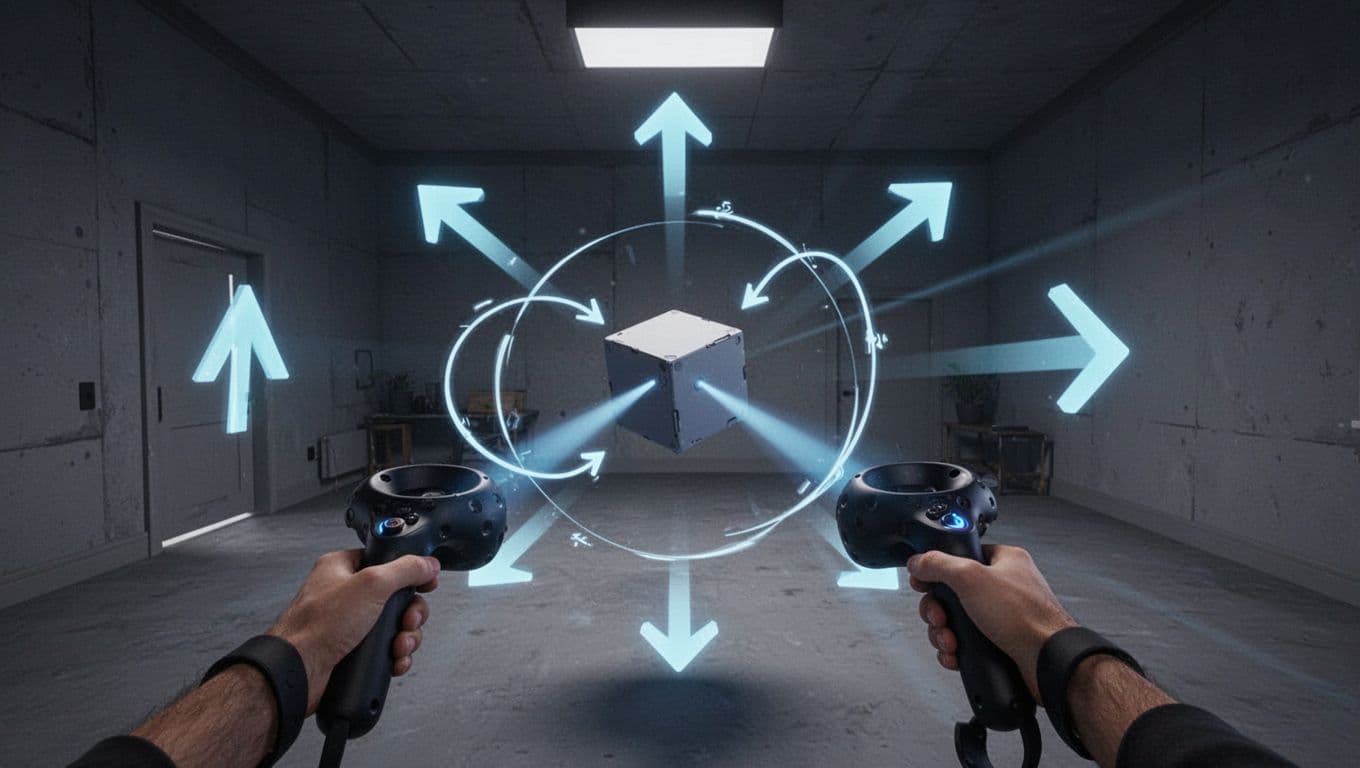
- Vectors are directions and distances. Imagine pushing a ball across a floor.
- Rotations decide how things turn. In VR, small rotation bugs feel huge.
- Quaternions help you rotate without weird flips. Think of turning a car wheel.
- Raycasting lets you “point” and grab. It’s like shooting an invisible laser.
- Collision makes touch feel real. It prevents objects from passing through walls.
Once you can explain each piece, you’ll avoid motion sickness too. Smooth motion and correct transforms reduce jitter and sudden jumps.
Computer Vision and Performance Secrets for AR Pros
AR apps depend on the device understanding the space. That’s where basics like SLAM and depth sensing come in. SLAM helps the app map your environment. Depth sensing helps it judge distances for placing objects.
Even for VR roles, performance matters. Headsets have strict timing. If you miss it, the experience stutters, and people feel uncomfortable.
Focus on these practical performance skills:
- Staying near the 90+ FPS target (or whatever the device asks for)
- Reducing draw calls by batching where possible
- Using LOD (levels of detail) for far objects
- Using occlusion culling so hidden things don’t render
When you test, test on the actual device. A smooth desktop preview can still fail in headset builds.
Pick the Best Tools and Software to Jumpstart Your Hands-On Practice
Tools are your speed. Picking one path and finishing projects matters more than collecting ten apps you never ship.
In the US, most beginner-friendly XR job pipelines start with one engine. Then you add device SDK knowledge.
Two engines dominate job posts:
- Unity for most beginner journeys and many job openings
- Unreal when teams want strong real-time visuals and engine depth
Then you add SDKs based on platform: Meta Quest, Apple Vision Pro or VisionOS, iOS ARKit, Android ARCore, plus cross-platform options.
Unity: Your Go-To Engine for Quick VR and AR Wins
Unity stays popular because it supports many targets and has a large XR ecosystem. It’s also easier for beginners to find working examples.
If you want quick wins, build two things fast:
- A VR scene that supports grabbing or teleport movement
- An AR or passthrough prototype that places an object in space
Next, learn the build workflow. Most interviews will ask how you deploy to devices. So practice device builds early, not at the end.
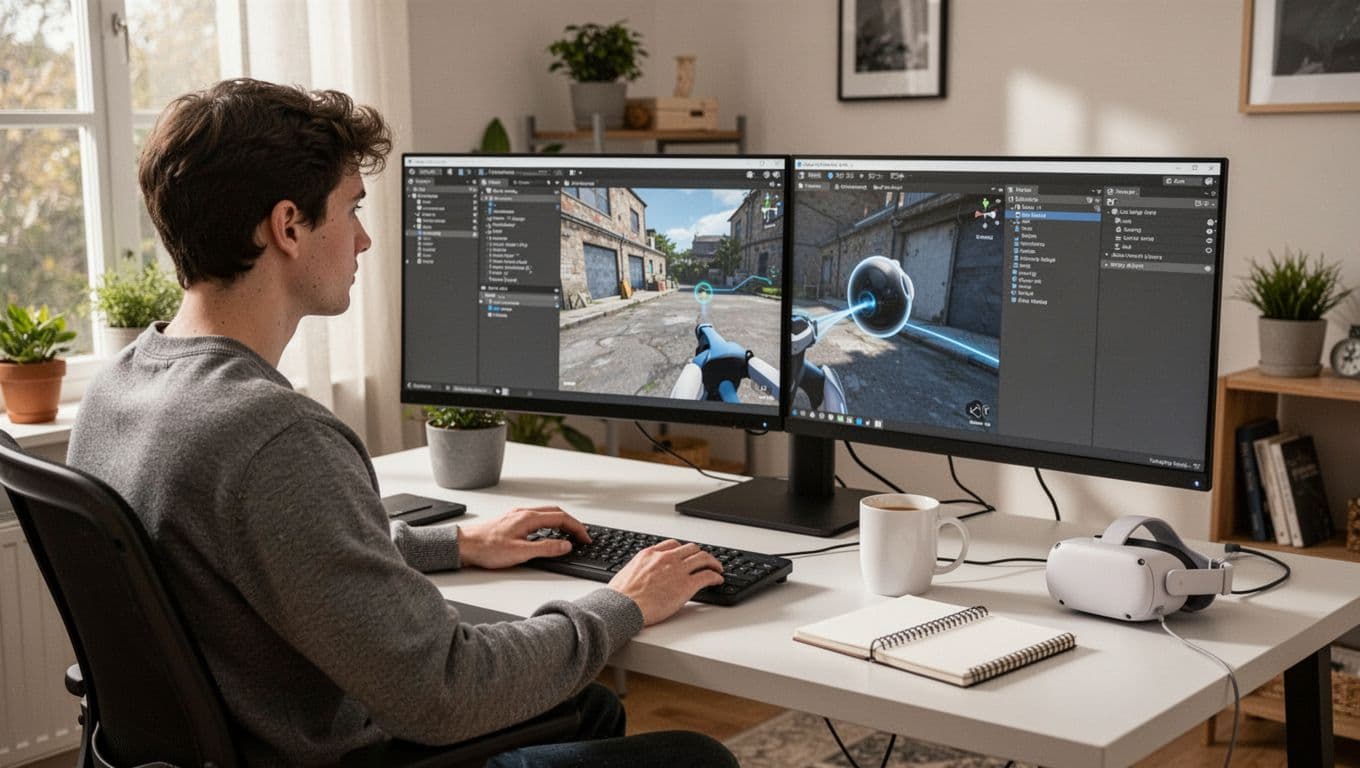
Also, if you want a practical Quest roadmap, Reality Atlas has a guide focused on shipping on that platform: Meta Quest development guide from zero. It’s useful when you want to understand the actual steps behind publishing.
SDKs That Unlock Real Devices Like Quest and iPhones
SDKs matter because they connect your app to device features. In 2026, those features often include hand tracking and passthrough.
Here are common SDK paths beginners should understand:
- Meta Quest SDK (hand/eye tracking, passthrough support) for headset-first VR and mixed reality prototypes
- Apple ARKit and RealityKit for iPhone and iPad AR apps
- Google ARCore for Android AR
- OpenXR when teams want cross-platform XR behavior
For mobile AR planning, this guide explains the core ARKit and ARCore basics well: ARKit and ARCore mobile AR guide.
If you feel stuck, pick one platform to start. Learn the device basics, then expand.
Your Easy Step-by-Step Roadmap to Land an Entry-Level VR or AR Job
Most beginners try to learn “everything” first. Then they build a portfolio too late. Instead, follow a short loop: learn a core skill, ship a small feature, then ship a full demo.
Below is a realistic path for beginners who want an entry-level role. Adjust the timeline based on your hours.
- Boost programming with small projects (grab, UI in 3D, simple movement)
- Master one engine (Unity is a common choice for job seekers)
- Build and ship a full project (VR demo or AR app on a device)
- Earn one certification (Unity Certified User or similar)
- Build portfolio proof (videos and device screenshots that show headset features)
- Network via internships and XR meetups (ask for feedback, then apply)
For entry roles, teams usually want evidence of engine use, basic 3D math, and a working portfolio. A degree can help, but projects often matter more.
Build Projects That Wow Employers and Fill Your Portfolio
What makes a portfolio stand out? It’s not fancy graphics. It’s clear interaction design plus real device testing.
Build one “hero” project that highlights modern device features. In March 2026, that often means hand tracking, passthrough, eye tracking, or spatial audio.
Good beginner project ideas:
- A passthrough AR app that places objects and lets users move them with hands
- A VR hand interaction demo with smooth grabbing and collision
- A training-style VR scene with step-by-step actions and simple timers
- A mini spatial audio scene that shows distance and direction
Most employers want to see how you handled performance too. So record your frame rate notes, even if your project is small. Explain what you changed, and why.
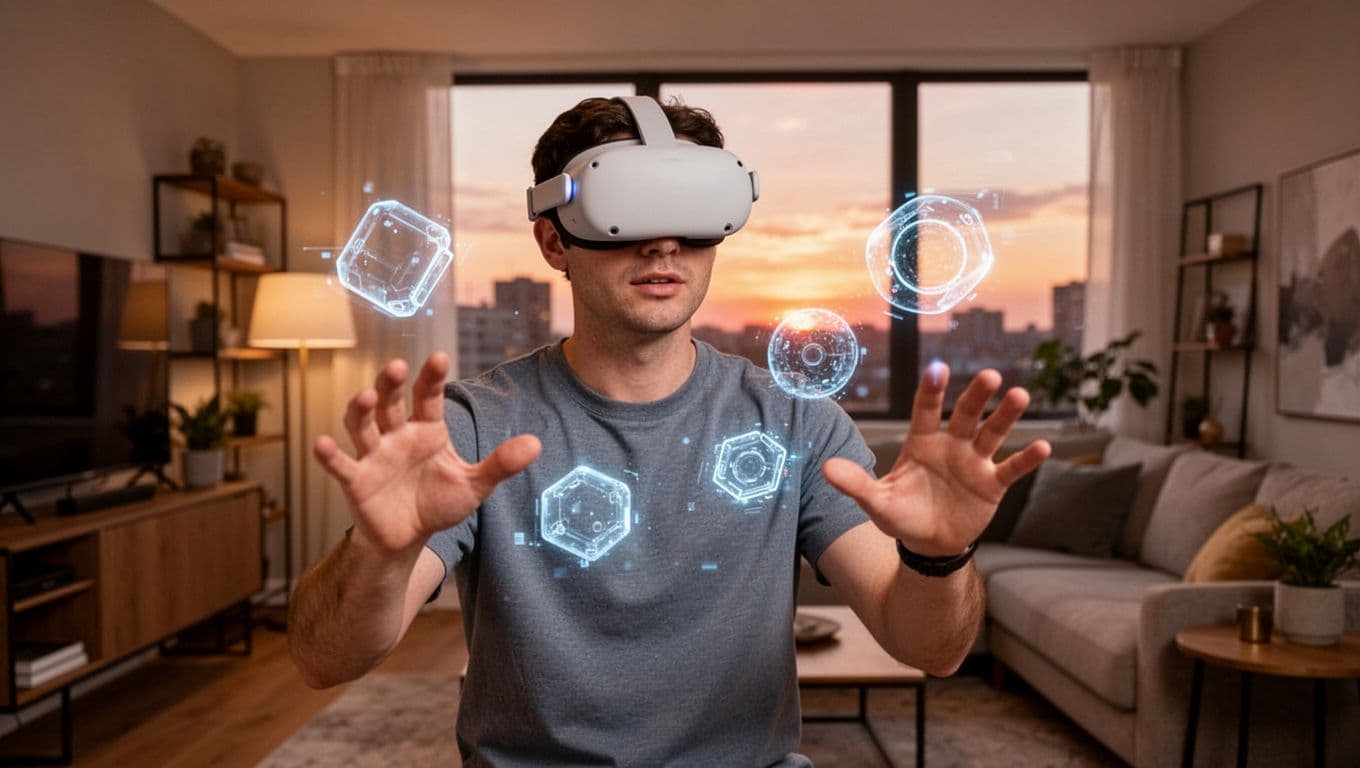
Finally, ship to the device when possible. A “works on my computer” demo rarely wins.
Grab Certifications and Network for That First Gig
Certifications won’t replace projects. Still, they can help you pass initial resume filters and show structure.
If you’re using Unity, the Unity Certified User path is a common starting point. You can check the official testing provider page here: Earn a Unity Certified User certification.
Then add one networking habit that’s simple to keep:
- Join local XR meetups
- Share short demos
- Ask for one specific piece of feedback
Networking matters because many XR teams hire for builders, not just applicants. If you’ve shipped, you can speak clearly about problems you solved.
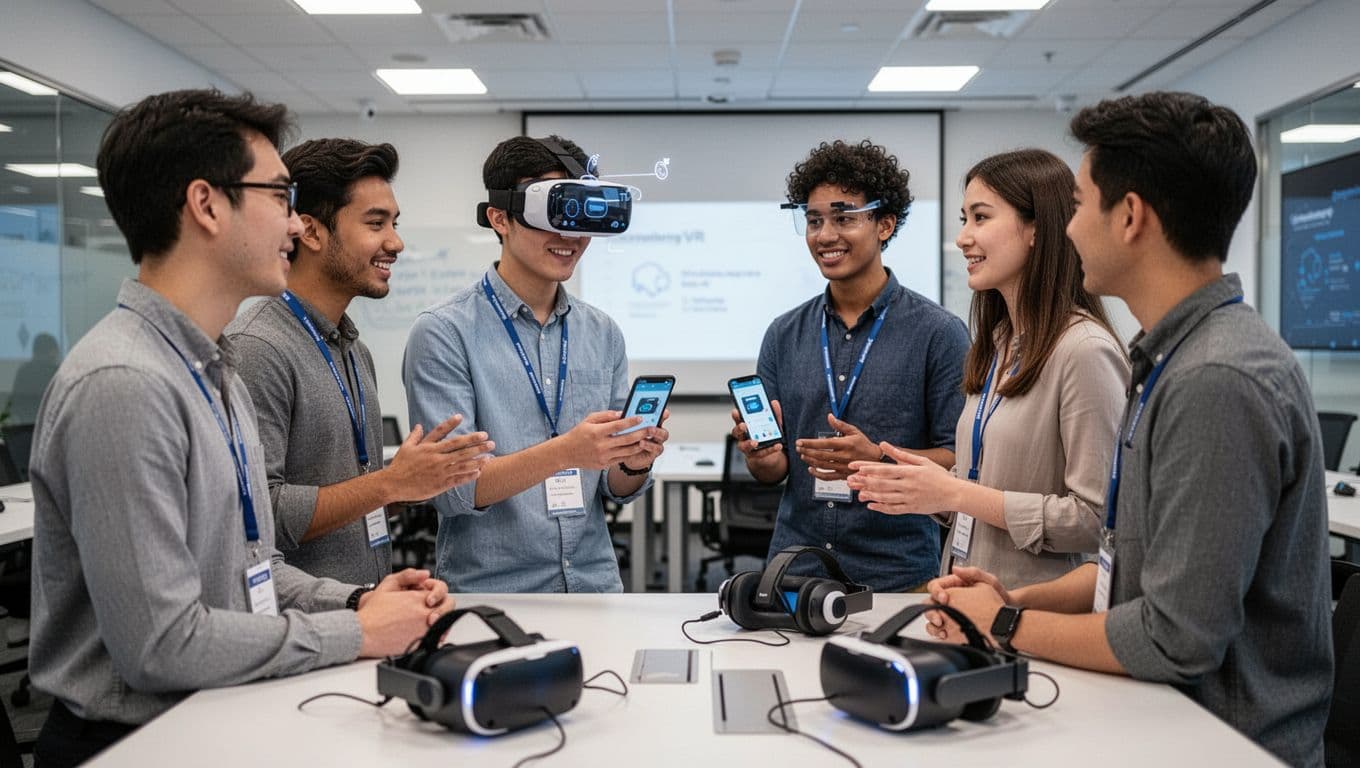
If you can, aim for an internship or co-op. Even a short one helps you learn team workflow.
Stand Out in the 2026 VR and AR Job Market with Smart Moves
In 2026, competition is real. So your goal is clear: become the person who can build and test on real devices.
Here are smart moves that usually beat generic applications:
First, go deeper in one tool. Unity is common for VR careers and AR careers for beginners. However, depth matters more than brand variety. You want to explain your scene setup, interaction flow, and build steps without guessing.
Second, focus on modern device features. In job posts, hand tracking, passthrough, eye tracking, and spatial audio show up again and again. You don’t need all of them. Pick two and make them work smoothly.
Third, show performance thinking. Many beginners ignore frame drops. Employers notice when your project feels stable. Mention your approach to draw calls, LODs, and occlusion culling.
Also, build around entry-level roles like:
- VR Developer
- AR Developer
- Junior XR Developer
- VR education or training specialist (if you like structured content)
Your portfolio should match those titles. If you want VR roles, show VR interactions clearly. If you want AR roles, show device placement and tracking reliability.
Most importantly, keep your projects short and shippable. Then improve them. One updated demo can beat three abandoned prototypes.
Conclusion
VR and AR careers are growing, especially for people who start building now. In March 2026, employers want real skills with hand tracking, passthrough, eye tracking, and spatial audio. They also want performance basics and clear 3D interaction work.
You don’t need a perfect plan. You need a plan you’ll follow. Pick one engine, ship one strong project, and then keep improving your portfolio.
If the hook from the start still feels exciting, act today. Start a Unity project and build one interaction you can record on a device. Then turn that recording into your next job application.