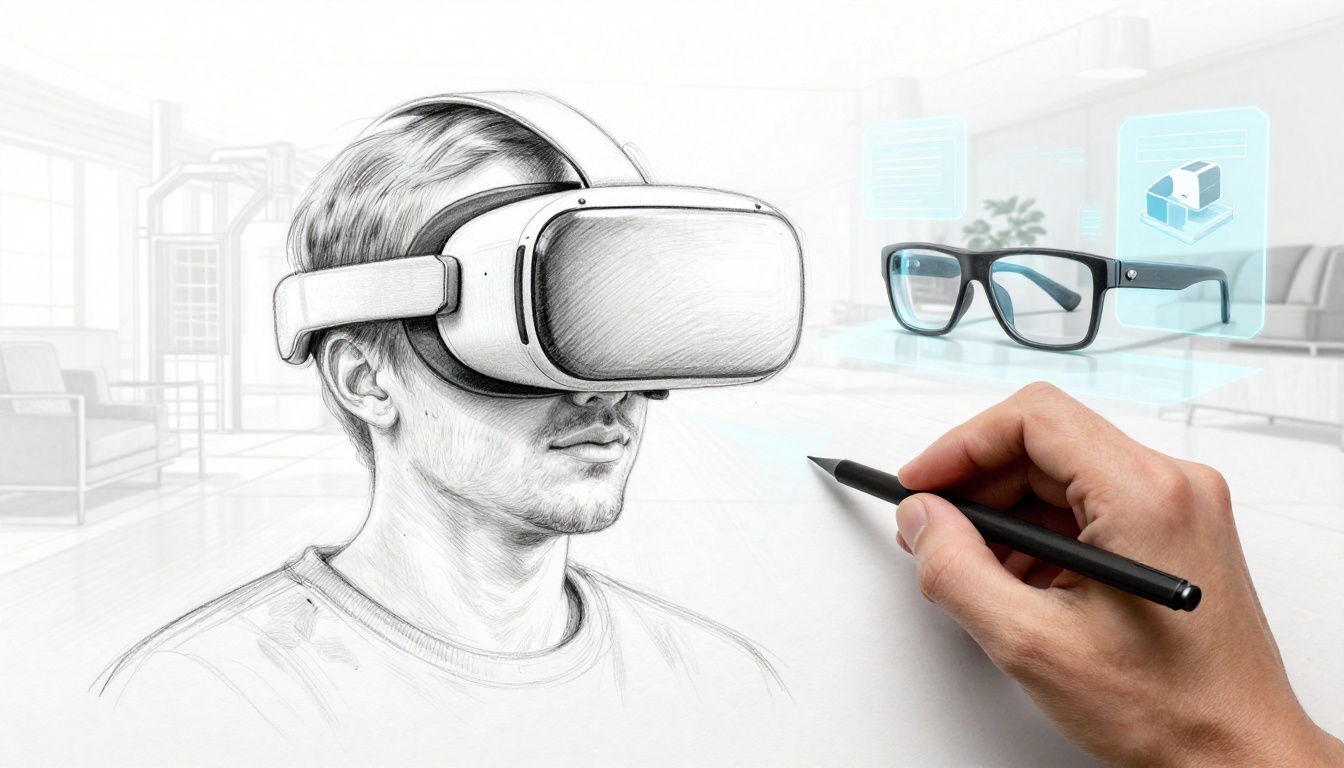
VR and AR are moving from sci-fi to everyday tools. You can see a “digital twin” of a factory floor, try furniture in your living room, or practice skills in a safe VR simulation.
The big difference is simple. VR pulls you into a mostly virtual world. AR overlays digital info on top of the real one. Then mixed reality (MR) blends both, so real space and virtual objects interact.
If you’re wondering about the emerging trends in VR and AR, the theme is clear: devices are getting more comfortable, AI is making interactions feel natural, and more businesses are using XR to train people and reduce mistakes. Gaming keeps expanding too, but the growth is now spread across healthcare, education, retail, and industrial work.
Next, you’ll see what’s driving these changes. You’ll also learn which trends matter most for what you’ll try (or build) in 2026, from lighter headsets to smarter interfaces and real-world enterprise wins.
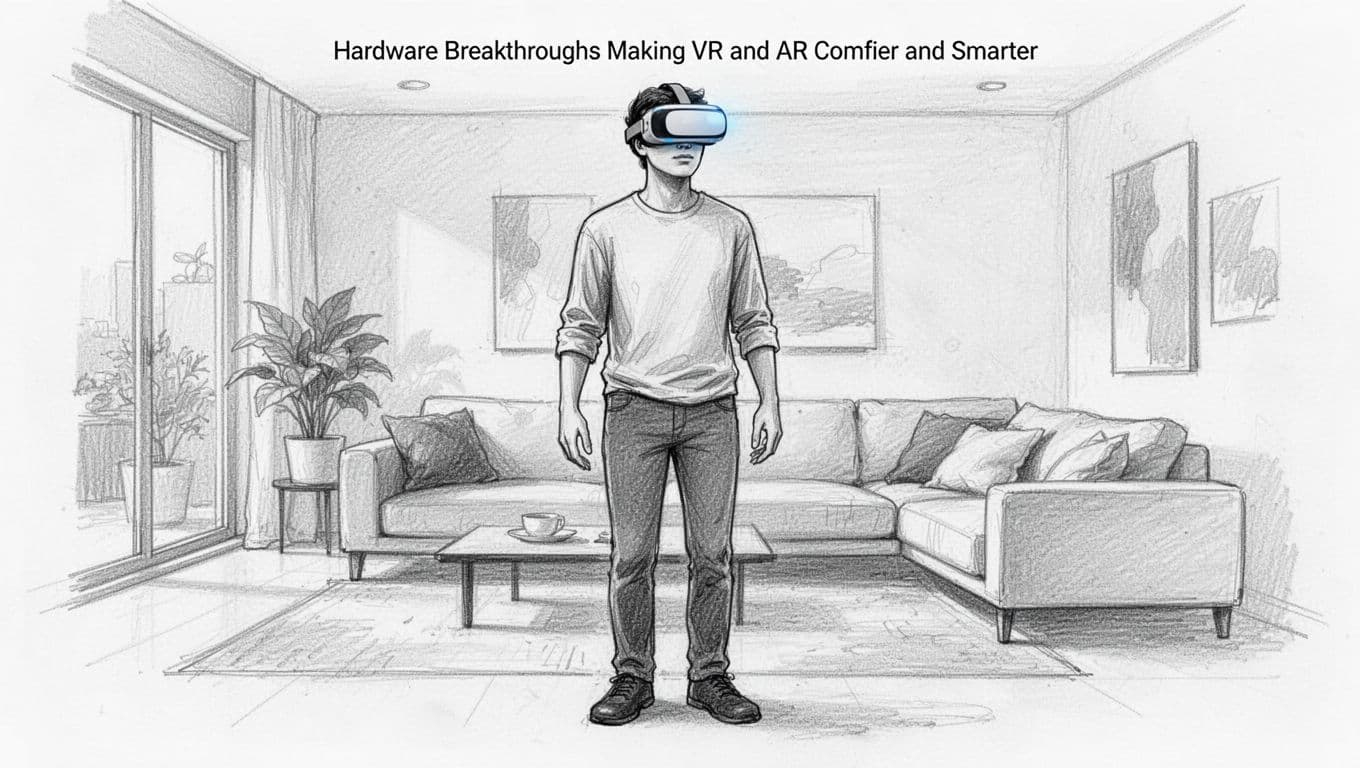
Hardware Breakthroughs Making VR and AR Comfier and Smarter
Comfort is the fastest way VR and AR go mainstream. If a headset feels heavy, people stop using it. That is why the 2026 push focuses on lighter designs, better displays, and smarter sensing.
First, wireless headsets are improving. Less friction means more sessions, whether you’re learning a new skill or working on a 3D model. Next, display and optics tech are catching up. You get sharper views, better brightness, and wider fields of view, which helps text and fine details feel less tiring.
At the same time, the hardware is getting better at “reading” you. Eye tracking and advanced hand tracking reduce how much you need to fight with controllers. Haptics also help. They don’t just add effects, they improve how your brain understands what you’re touching.
Here’s what this looks like in practice: you can feel virtual objects through haptic feedback, then look around a scene in crisp 360-degree views without cords pulling at your attention.
Meanwhile, microOLED and similar display approaches keep showing up in announcements. For example, Pico’s upcoming direction includes ultra-sharp microOLED details in its next XR lineup, reported ahead of GDC 2026 by Pico project Swan updates. And Meta’s rumored headset roadmap has also pointed to higher-resolution micro-OLED plans, covered in Meta’s Phoenix VR headset reporting.
The bottom line: better hardware lowers the “cost” of using XR. That makes daily use more realistic, especially for work and training.
Lighter Headsets and Wireless Freedom
Lighter headsets matter because they change habits. When gear feels manageable, you stand longer. When you stand longer, you do more than browse.
In 2026, the most noticeable improvements are:
- Sleeker shapes that spread weight better across your face
- Stronger standalone chips that reduce heat and power drain
- Better wireless stability so you can move without jitters
- Batteries that last long enough for practical sessions, not quick demos
This shift also helps AR. Wearable MR experiences need to fit into real life. That means less bulky hardware and fewer “take it off after 10 minutes” moments.
Wireless freedom is also a safety upgrade for enterprises. Trainers and field teams can use XR without cables in the way. That makes it easier to run repeat sessions in classrooms, warehouses, and clinic spaces.
Next-Level Displays and Touch Feedback
Screens and optics are getting sharper, but the better goal is clarity under real lighting and real motion. MicroLED and microOLED approaches, along with improved lenses, help reduce blur and make the image feel steadier.
Then comes the tactile layer. Haptics can suggest surface texture, impact timing, and object weight. Even basic feedback can change how fast people learn.
Eye tracking adds another layer. When your headset knows where you look, it can render detail where your eyes go. That can improve clarity and make scenes feel more responsive.
Also, on-device AI helps. Instead of waiting for a distant computer, the headset can process signals locally. That supports faster updates, which reduces lag during head turns and hand movement.
In short, the new display and haptics trend aims for one result: VR and AR feel less tiring. You can focus on the task, not the discomfort.
AI Magic Bringing Natural Interactions to Life
Once hardware feels good, the next question is interaction. How do you control VR and AR without fumbling with menus?
That is where AI steps in. In 2026, AI is improving:
- how systems understand your body and gaze
- how fast they track gestures
- how quickly they generate or adapt scenes
- how you talk and respond through voice
This is also why XR is starting to feel less like “wear a device” and more like “use a tool.” You can wave, point, speak, or look to guide what happens next.
In VR, AI can help build environments faster, so creators spend less time placing objects by hand. In AR, AI can spot real-world items and show related info in context. In both, AI helps scenes feel personal, because it can adjust to you in real time.
The trend to watch is not just “AI inside XR.” It’s AI that changes how you move, look, and control what you see.
Smart AI for Realistic Worlds and Tracking
AI can make tracking more accurate, even when your lighting changes or your hands move quickly. That matters because gesture control is only useful if it feels reliable.
Good gesture interaction also needs UX thinking, not just sensors. If you want a solid starting point, IxDF’s guide on gesture-based interaction explains why gesture design must match user intent and context.
With better tracking, you can do things like:
- pinch to grab a virtual object
- rotate an object by moving your hands
- wave to trigger a next step in a workflow
- look at a part of a scene to bring up details
In 2026, these interactions get smoother because AI reduces “false” movements. It also helps the system interpret intent instead of treating every motion as a command.
Voice and Hand Controls Without the Hassle
Voice is also getting more useful. Natural language lets you ask for changes without hunting through controls. You can describe what you want, then see it happen.
Hand control works best when it feels instant. Instead of holding a controller button, you might use a quick gesture and let AI confirm it. That lowers the mental load.
In gaming and creative tools, these controls can boost flow. Imagine walking through a space in VR and shaping objects by hand, then using voice to label parts or request edits. It can feel like sculpting in the air.
In work tools, voice and hand commands can reduce friction too. Engineers can review models while keeping their hands free. Educators can guide simulations without constantly pausing and restarting.
All together, these AI-driven interfaces push XR toward a simple promise: less setup, more action.
Mixed Reality Blending Worlds and Key Industry Wins
Mixed reality is the fastest path from “cool demo” to “use it every day.” The reason is practical: MR can respect the real room around you.
Instead of fully blocking your view like classic VR, MR blends digital content with your environment. That helps in offices, classrooms, hospitals, and retail. It also makes teamwork easier, because people can share a space and discuss what’s in front of them.
Devices like Apple Vision Pro and Microsoft HoloLens support this kind of spatial computing. By March 2026, MR use keeps spreading, especially where training and visualization matter.
Mixed Reality Devices Leading the Charge
MR experiences often start with simple tasks. You place a hologram-like model in your room. Then you walk around it, point at it, and discuss details.
In 2026, the biggest MR trend is not just better visuals. It’s better “spatial understanding.” Headsets can map your room, then anchor virtual objects so they stay stable as you move.
That stability unlocks daily workflows. People can rehearse procedures. Teams can review equipment layouts. Teachers can turn abstract lessons into visible 3D scenes.
Also, MR supports 360-degree entertainment and immersive experiences. Think of it as the bridge between gaming and real spaces, since your environment becomes part of the story.
Enterprise Tools and Digital Twins Saving Time
Industries love XR when it reduces downtime and mistakes. That’s where digital twins come in. A digital twin is a virtual copy of a real system, like a line on a factory floor.
With MR, teams can view a digital twin in context. Then they can train staff, test changes, and practice responses without touching real equipment.
If you want context on how enterprises think about digital twins, the Enterprise Digital Twin Conference is a good reference point for practitioners and use cases.
Here’s a typical example. A maintenance worker can review a machine model. They can identify where a sensor sits, then practice steps for inspection. That can speed onboarding and improve consistency.
Across logistics and field service, MR can also help remote experts guide workers. The worker sees the overlay, and the expert points to the right area through shared spatial context.
In other words, mixed reality is turning training into something you can measure, repeat, and improve.
Healthcare, Education, Gaming, and Shopping Transformations
Healthcare is one of the clearest wins. VR can help with surgery planning and training. MR can show overlays that support learning or rehearsal.
Education follows a similar path. Instead of reading diagrams, students can explore 3D models in their own space. That makes complex topics easier to grasp.
Gaming and entertainment keep growing too. MR can add a layer of interaction with your room, while VR stays strong for fully immersive gameplay. Many people also want more social play, where friends share the same experience.
Retail is another big area, especially with AR overlays. Shoppers can try furniture at home and preview how products fit. Some teams also test “store digital twin” ideas, like modeling shelf layouts and movement in MR contexts.
For a retail angle on digital twin usage, see digital twins in retail inventory planning. It shows how retailers connect virtual models to real stock decisions.
The common theme is safety and speed. XR helps people practice before they perform, so learning happens without costly errors.
What’s Next for VR and AR Adoption
So what happens next, now that hardware is getting lighter and interactions are improving?
Adoption will grow where XR fits existing workflows. That includes training, design reviews, and guided tasks. It also includes education, where immersive lessons can replace some expensive equipment or limited in-person demos.
Cost and friction keep dropping. That matters because XR adoption often dies when setup feels heavy. AI also helps by making experiences more responsive. Instead of strict menus, you get more natural control through hand and voice.
By late 2026, expect bigger productivity jumps in industries that already use digital models. Companies will push more MR and VR pilots into daily use. They’ll also expand consumer-facing apps once headsets feel practical for longer sessions.
In the meantime, keep an eye on one pattern. The best VR and AR experiences won’t just look impressive. They’ll feel simple to start, easy to control, and useful without training.
Conclusion
VR and AR are changing for a reason. Hardware is getting more comfortable, AI is making interactions more natural, and mixed reality is delivering real value in industries that need safe training and fast decisions.
If you want to stay ahead, try the experiences that match real tasks. Test the apps that support hand or voice control. Then watch which MR workflows show up in workplaces and classrooms.
What would you use first, VR for training or AR overlays for everyday help? Share your pick, then explore what blended realities can do next.