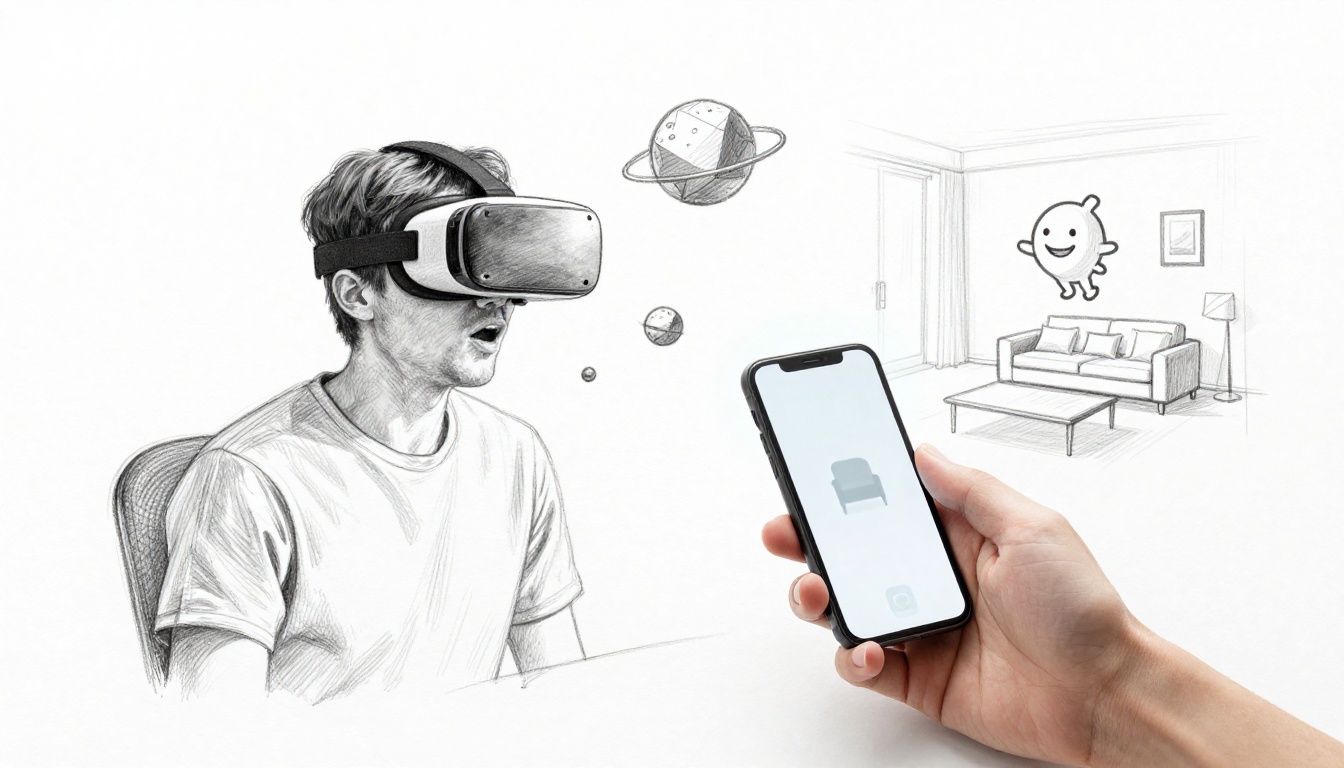
Trying VR or AR for the first time can feel like magic. You put on a headset and suddenly you’re “somewhere else,” like standing on another planet or hanging out in a virtual social space. Or you point your phone camera at your living room, and furniture (or characters) appear as if they’re really there.
Here’s the key difference. VR (virtual reality) uses a headset to take you into a fully digital environment. AR (augmented reality) uses your phone camera to add digital effects to the real world. In both cases, the best beginner apps skip the scary parts. You won’t need gaming skills, long tutorials, or complex setups just to have fun.
If you’re using a Meta Quest headset (like Quest 3 or Quest 3S) or an Apple Vision Pro, you can start with simple, beginner-friendly experiences. On the AR side, you just need a smartphone and a few taps on iOS or Android.
Next, you’ll see beginner VR picks that feel great right away, plus beginner AR applications that make your camera feel smarter. Then you’ll get practical tips so your first sessions stay comfortable and enjoyable.
Spotlight on Beginner VR Apps That Spark Joy Right Away
Beginner-friendly VR applications tend to share one trait: they let you succeed fast. Controls are simple, movement is gentle, and the fun starts within minutes. Many of these apps also work well for people who don’t want intense gameplay.
For March 2026, some of the most beginner-safe choices show up again and again in trusted roundups. For example, Tom’s Guide highlights easy apps to try on Meta Quest 3 first, which is a solid way to reduce “what do I do?” moments. Their list is a good companion while you’re browsing. You can check it out here: 5 apps to try first on Quest 3.
Also, if you want a quick comfort-first path, Meta’s own “First Steps” helps you get oriented without guesswork. Start here on the Meta Store: Meta Quest First Steps app.
Now, let’s look at beginner VR apps that deliver that “wow” feeling without confusion.
Wander and Ocean Rift: Effortless Exploration Adventures
If you want VR that feels friendly from the start, Wander is a great pick. It’s built for exploring 360-degree places, including routes and landmarks via Google Street View. You don’t need reflexes or a gaming background. Instead, you move at your pace and look around to discover what’s around you.
A typical beginner moment goes like this: you teleport (or jump between spots), then you slowly turn your head like you’re standing there in real life. It’s immersive, but it doesn’t demand skill.
Then there’s Ocean Rift, which keeps the experience calm. Think relaxing underwater dives with sea creatures and gentle visuals. It works especially well if you want VR that feels like a deep breath, not a workout.
Both apps are strong for first-timers because the controls are usually simple: point, look, and interact lightly when needed. That makes them ideal “test-drive” apps when you’re still learning comfort and tracking.

If you want a wider beginner list for your headset, Techtimes also puts comfort and setup tips near the top. It’s helpful while you’re figuring out what to try first: Meta Quest beginner tips.
VRChat and Bigscreen: Connect and Chill Socially
Social VR can sound intimidating, but beginner-friendly VR makes it easy to join without pressure. VRChat lets you enter virtual worlds with avatars, so you can talk, browse spaces, and hang out at your own speed. Many people use it as a “meet new people” app, not as a challenge.
A simple way to start: pick a chill world, then say hello in a group. You’ll learn quickly how voice chat works and how movement feels in VR. Even when you don’t know anyone, you can often observe first, then jump in later.
If VRChat feels like “too much happening,” try Bigscreen. It’s built for movie nights and watch parties. You and friends sit in a virtual viewing space, then you watch together. That makes it one of the most beginner-friendly VR options because it’s familiar. You know how to watch content, and the VR part just adds the shared setting.
These apps build comfort in a smart way. You get time to adjust before you try anything fast-paced. Over time, you’ll feel more confident choosing where to go and who to talk to.
Pencil, Open Brush, and Immersed: Create Without Stress
Not every beginner wants to explore or chat. Some people want to make something. That’s where apps like Pencil and Open Brush shine.
Pencil helps you learn drawing in VR with guided steps. It’s designed for beginners, so you’re not dropped into blank freedom. Instead, you learn what to do and how to move your hand in VR.
Open Brush (inspired by Tilt Brush) gives you 3D painting fun. You can build shapes and strokes in space. The “beginner win” here is that you can create quickly. Even if your art is simple, it looks impressive in VR.
Then there’s Immersed, which is a different kind of creation. It’s about work setups and multi-screen viewing with passthrough-friendly comfort. If you want to use VR for productivity without jumping into complex software, Immersed can feel like a calm workspace upgrade.
The main reason these apps are beginner-friendly is mindset. You’re not trying to “beat” a level. You’re learning by doing, and that makes the first session feel lighter.
FitXR and Supernatural: Sweat with Smiles in Fitness
Fitness apps in VR can help you get moving without staring at a screen. FitXR offers guided workouts that fit into short sessions. It’s music-driven, and many classes are structured for different comfort levels.
Supernatural is also built around workouts that feel like fun activities. You follow a coach-style flow, so you don’t have to plan routines yourself. That matters for beginners. When you’re new, deciding what to do can feel harder than the workout.
Most people notice a shift fast. Instead of asking, “Should I work out today?” you step in and the class starts. That lowers the mental load.
One note for beginners: subscriptions are common in fitness VR. Still, many services offer trials. So you can test comfort and motion before committing.
Top AR Apps That Make Your Phone Camera Magical
Beginner AR applications are popular because they don’t require a headset. You open the app, point your camera, and the phone overlays digital stuff on real life. That means you can try AR in your kitchen, your driveway, or a store aisle.
It’s also a great way to reduce motion discomfort. You stay in your real space, and your brain has a familiar anchor point. As a result, many beginners feel confident with AR sooner than VR.
If you want a broader list of AR apps across iOS and Android, Owebest keeps a running catalog of popular options. You can use it for browsing ideas here: must-try AR apps for iOS. (Then pick just one to download first, so you don’t overwhelm yourself.)
IKEA Place and Lowe’s: Shop Furniture Like a Pro
IKEA Place is one of the most beginner-friendly AR apps because it solves a real problem. You can see how furniture might look in your room, at a closer-to-real scale. Instead of guessing, you place and adjust pieces right on your floor.
A typical use case is simple. You measure nothing, you test a sofa, then you see if it fits your layout. You can also explore how the size feels next to other items.
Lowe’s AR tools often focus on paint and decor trials. You point your phone at a wall, then you preview color and style. That helps a lot when you’re unsure about undertones or lighting.
The big beginner benefit is confidence. You feel less nervous about spending money on the wrong look. Plus, the setup is fast. Most people get a useful preview in under a minute.
Pokémon GO and Ingress: Hunt Fun in Your Neighborhood
AR gaming takes the “outside your door” idea seriously. Pokémon GO is the famous example. You walk around, use your phone camera, and hunt creatures in real places. Events and guides help you understand what to do next.
For beginners, Pokémon GO works because it gives you small wins. You don’t need strategy to start. You just follow prompts and play at your own pace.
Ingress Prime is similar in structure, but it leans toward team-based map battles. It can be a fun choice if you want a game that rewards exploring routes and locations.
Both games are great if you want AR that feels like a reason to get outside. Still, they’re also best when you treat safety as a priority. Look up often, and don’t get absorbed in your screen while crossing streets.
Snapchat Filters, SketchAR, and adudu: Spark Creativity Fast
Not all AR should feel serious. Some of the best beginner AR apps are light, silly, and instant.
Snapchat AR filters let you try face effects and fun overlays. You can get a result right away. That makes it a top “first AR session” app.
SketchAR focuses on art. It can overlay drawing guides on real paper or a surface, so you can trace and learn. Even if you’ve never drawn in your life, it helps you produce something that looks better than expected.
adudu scans toys and adds animated AR layers. It’s a “point at something you already have” approach, which makes the start feel effortless. For many beginners, it also feels less intimidating than an app that asks you to build something from scratch.
If you want to pick just one to start with, choose whichever matches your mood: playful (filters), creative (SketchAR), or interactive (adudu).
Jump In Smoothly: Tips for Your First VR or AR Sessions
Beginner tips matter more than people think. VR comfort, setup, and expectations can make the difference between “I’m blown away” and “I’ll never try this again.”
Start with free apps or trial options. Then use short sessions. Even ten minutes helps you learn controls without pushing your comfort limit. After that, gradually increase time.
Comfort setup also helps. Adjust the headset fit, then check that tracking works before you jump into action. Keep your play area clear so you do not bump furniture. It helps to stand, then move slowly until you feel steady.
If you use AR on your phone, keep lighting in mind. Bright, even light often makes camera tracking easier. Also, clean your phone camera lens if previews look weird.
Here are a few beginner-friendly moves that reduce frustration fast:
- Do a 5 to 10 minute warm-up with a calm app first.
- Turn on passthrough or guardian cues if your headset offers them.
- Watch your body, if you feel sick or dizzy, stop right away.
- Keep downloads simple, one new app at a time.
Finally, mix VR and AR habits. You can use AR as a low-pressure entry point, then try VR once you feel comfortable moving. Either way, the goal is consistency, not a perfect first session.
Conclusion
If your first experience felt like stepping into another world, that’s the point. Beginner-friendly VR and AR applications prove you don’t need skills or “serious gamer” energy to enjoy the tech.
Start with calm VR exploration like Wander or Ocean Rift, or choose creation apps like Pencil and Open Brush. For AR, IKEA Place or Pokémon GO can make the real world feel more fun instantly.
Pick one app today and try a short session. Then, when it feels good, add a second. What’s your first pick, Wander, Ocean Rift, IKEA Place, or Pokémon GO?