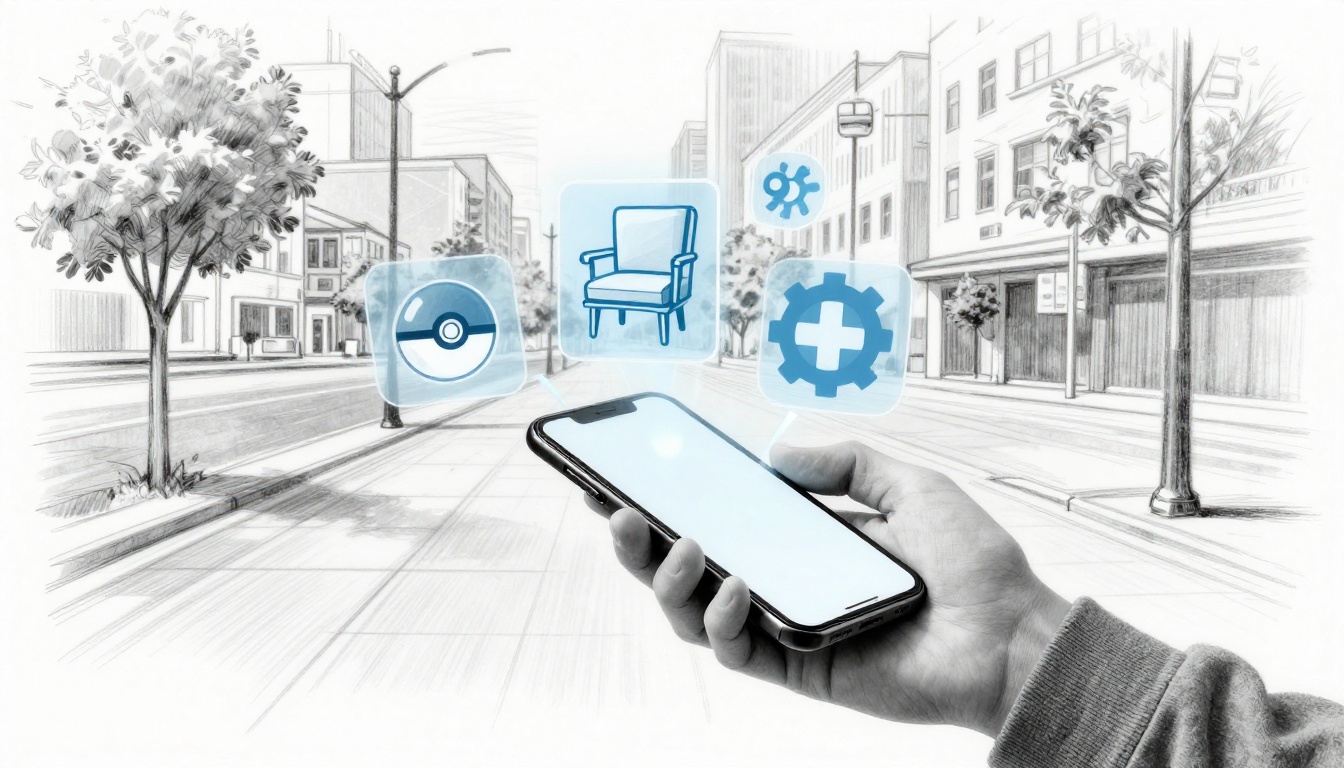
Pokémon GO turned sidewalks into adventure zones, and IKEA’s app lets you test furniture in your living room. That’s what augmented reality (AR) does, it blends digital images with the real world through phones, glasses, or headsets. Right now, the AR market is projected to hit around $211 billion in 2026 (estimates vary by source), so more people will run into it fast.
You might be curious because AR sounds fun, but you also hear mixed stories about cost, privacy, and setup. For example, in gaming and retail, AR can feel smooth and useful right away. In education and healthcare, it can support training and safer decisions. In manufacturing, it can cut mistakes by showing instructions on the job.
Still, AR has real limits. Some systems need newer devices or expensive gear, and battery drain can be a problem. Some uses also raise privacy concerns, since cameras and location data can collect sensitive info. Other times, the experience depends on good lighting, strong internet, or clear tracking.
AR can boost daily life, but it needs fixes to shine brighter. Next, you’ll see the main benefits and limitations of AR across the places you care about most.
How AR Delivers Real Wins in Everyday Life
When AR (augmented reality) shows up in daily routines, it does more than look cool. It helps people act faster, learn better, and make fewer mistakes. That is why the benefits of augmented reality keep popping up across gaming, school, work, shopping, and healthcare. In 2026, the biggest shift is that AR feels more personal, because AI can tailor what you see and 5G helps it move quickly. Even better, cloud-powered updates keep experiences fresh without extra effort from you.
Boosting Fun and Engagement in Gaming
AR turns “just standing there” into active play. Games like Pokémon GO proved that an outdoor hunt can feel like a story you live inside. You walk, you scan, and you move your body, all while chatting with other players nearby.
In 2026, AR games are using AI to customize mini-adventures. For example, instead of the same spawn pattern every day, the game can nudge your route based on where you like to walk or how long you typically play. It feels like the world responds to you, and that keeps players coming back.
Just as important, AR creates easy social ties. You spot someone struggling to line up a marker, you help them, and suddenly you have a new team mate. Also, group challenges turn a solo hobby into weekend plans.
Still, safety matters, even when the fun is the focus. AR works best when you treat the real world like it always matters:
- Watch traffic at intersections.
- Keep your phone brightness comfortable.
- Stay aware of sidewalks, stairs, and pets.
One vivid moment says it all: you round a corner, see a rare creature floating over a real park bench, and you sprint to catch it. The game never fully leaves the street. It pulls the street into the fun.
Making Learning Stick in Education and Training
In classrooms, AR can make “hard to picture” topics feel real. Instead of memorizing a label on a diagram, you can view a 3D anatomy model right where your desk should be. It turns a textbook page into something you can rotate, zoom, and inspect.
In training, AR overlays can sit on top of real equipment. A student can look at a machine casing and see a step-by-step guide aligned to bolts, wires, and valves. As a result, mistakes drop, and practice gets more hands-on.
Manufacturing teams have already noticed the difference. With AR support, new workers spend less time guessing. They can follow the instructions in place, so they learn faster and make fewer errors the first time through.
AI trends in 2026 make this even more effective. Tailored lessons can adjust the pace when a student struggles. If you keep missing a component, AR can highlight that exact area next time. It feels like the tutor is watching your progress, without adding more lectures.
For anatomy education specifically, interactive tools are also pushing toward richer AR and 3D learning experiences. If you want an example of how schools and learners approach interactive models, see Human Anatomy Atlas 2026.
Saving Lives and Time in Healthcare
Healthcare is one place where AR can feel intensely practical. Surgeons can view scans and maps alongside the patient, which helps with precision during key steps. It also supports remote consults, so an expert can guide a procedure without being in the room.
In 2026 apps, AR is leaning toward safer workflows. That means quicker orientation, fewer “look away” moments, and clearer guidance at the point of action. For patients, the hope is simple: fewer complications, smoother recovery, and better outcomes from training that feels more realistic than books.
Empathy matters here. A hospital is already stressful enough. AR should reduce uncertainty, not add more gadgets. When it works, it can feel like an extra set of eyes that helps the care team move with confidence.
For a real-world glimpse into clinical work using AR in surgery, one example is a 2026 clinical feasibility study on AR in laparoscopic liver surgery.
Simplifying Choices in Retail Shopping
Shopping is full of second-guessing. “Will this fit?” “Will this match?” “Will I regret it?” AR helps by letting you preview products in your own space.
Virtual try-ons cover clothes and even bigger items. IKEA-style furniture previews let you place a sofa in your room and check size before you buy. When you see the shape in real context, returns often drop because fewer orders go out with surprise problems.
Personalization also improves. In 2026, AI can adjust recommendations based on what you actually picked, not just broad browsing habits. So the next “try it here” suggestion feels closer to your taste and your layout.
It is easier to make a confident choice when you can test it visually. Instead of guessing from photos, you get a quick reality check. That shift can turn a stressful shopping trip into a calmer one, even if your cart is still full.
Streamlining Work in Manufacturing
In manufacturing, AR can be a real time-saver because it supports learning while you work. Think of it like a mechanic’s notebook hovering in the air. Instead of flipping pages or waiting for a trainer, you see the guide right where the task happens.
A strong AR workflow often follows a simple logic:
- Point at the component or machine area.
- Follow the overlay step-by-step.
- Confirm alignment and move on.
Because the instructions stay in context, workers spend less time searching for the “right version” of the steps. Training also gets faster, since practice aligns with the exact setup on the floor.
Many enterprise AR glasses add connectivity through cellular links. That matters when support is remote. If something goes wrong, a technician can get help without stopping everything for a long call.
Efficiency gains show up as fewer errors, quicker onboarding, and less rework. Over time, AR helps teams treat safety and quality like habits, not last-minute checklists.
The Tough Realities Slowing AR Down
AR can look like science fiction for a reason. The problem is that reality hits back fast. Price tags, short runtimes, privacy worries, and physical strain all slow adoption, especially outside work labs. These are the limitations of AR that show up when people move from demos to daily use.
Here are the friction points that keep AR from spreading at the same speed as smartphones.
Price Tags Keeping AR Out of Reach
AR costs more than most people expect, and it creates a real AR divide. In the US market, mainstream options still range widely, from budget tether-to-phone devices under a few hundred dollars to premium headsets costing $3,000 to $3,500. For example, Apple Vision Pro sits around $3,499, while many consumer-friendly AR glasses land closer to the $299 to $1,500 band.
Meanwhile, phones keep getting more affordable. You can buy a capable smartphone for a few hundred dollars, and it already powers your apps, your camera, and your maps. AR, on the other hand, often asks you to buy extra hardware and then pay for apps that work only with that hardware.
Enterprise-first pricing makes the gap worse. Many AR deployments focus on training, maintenance, and field work, where companies can justify hardware as an operating cost. Consumers feel that same cost as a barrier, especially when they need a new device, a compatible app, and sometimes extra accessories to get a usable experience.
You can see the pricing pressure as the market grows. For a snapshot of how new releases try to push the floor down, take a look at AR glasses price pressure in 2026. It’s not just about specs. It’s about whether AR stays “for early adopters” or becomes a normal purchase.
Battery Drain and Device Overheating
Battery life is where AR enthusiasm often runs out. When AR glasses render overlays, track motion, and keep sensors running, the power draw jumps quickly. Many users report runtimes of only a few hours, even on better devices, and that forces constant charging or battery packs.
Overheating makes it worse. When chips and displays run hard, heat builds up near the device. Users then feel it as discomfort, and it can also shorten battery health over time. If you have ever used a phone while gaming in a warm room, you already understand the basic problem. AR just turns up the load.
The frustration is not small. If the experience works for 30 minutes, people treat it like a gadget. If it works for a full work shift or a long outing, people start trusting it. In 2026, too many models still fall into the “short session” category.
Improvements need to land on several fronts at once:
- Lower power rendering for overlays
- Smarter tracking that doesn’t run at full speed all the time
- Better heat spread and battery protection
- Clear user controls to reduce background processing
If you want an example of how battery flaws shape real reviews, you can read RayNeo X3 Pro battery concerns and see how battery issues become headline problems, not minor complaints.
Privacy Nightmares and Data Risks
AR devices can collect more than most people realize. Because AR overlays depend on cameras, motion tracking, and spatial mapping, the device often captures surroundings and linking signals such as location. Some systems also use eye tracking, which can reveal where you look (and what you might focus on).
That’s why privacy feels like a bigger risk with AR than with a typical phone app. On a phone, you choose when to open the camera. With AR glasses, the camera may run in the background while the world stays in view. It’s like wearing a small witness that records your day, even when you think you are just reading or walking.
In 2026, the danger is not only leaks. It’s misuse. If hackers gain access, they could exploit sensitive data like location patterns or gaze data. Even without a major headline breach, experts warn that the bigger risk is weak consent, unclear data retention, and over-collection.
Encryption and privacy-by-design are not optional. AR apps and device makers need to treat these as defaults:
- Strong encryption for stored and transmitted AR data
- On-device processing when possible, so raw video leaves less often
- Clear opt-outs for location, mapping, and eye tracking
- Short retention windows for sensitive streams
If you want a legal and compliance view on how companies should treat privacy risk in 2026, see 2026 privacy and AI compliance priorities.
Health Headaches from Extended Use
AR can make your body complain. Eye strain, dizziness, and neck pain show up when your brain tries to reconcile two views at once, the real world and the overlay. This is especially likely during long sessions.
Eye strain happens when you focus on virtual objects at distances that don’t match the real world. Your eyes and brain fight to agree on “where” things are. Dry eyes also play a role, because many people blink less when they stay locked on an overlay.
Motion sickness, often called cybersickness, can follow when there’s a mismatch between eye input and body movement. It’s similar to sitting in the back seat of a car without looking out the window. The brain gets mixed signals, and the result feels awful.
Then there is neck pain. Many AR experiences encourage a slight forward head tilt to line up the view. Over time, that posture strains the neck and shoulders.
Horror games offer a clear warning pattern here. When a game adds shaky motion, heavy visual cues, or lag, it can trigger nausea faster. AR adds those stressors to real life, so you don’t have the same “pause and reset” safety net.
The most practical fixes involve short breaks, better display tuning, and safer default settings. Still, you should expect early users to hit discomfort sooner than they would with a phone.

Glitches and Distractions in Action
Latency is one of the most underrated AR limits. Latency is the delay between your movement and what you see. When it’s high, virtual objects look like they float slightly behind. Your brain hates that mismatch, and sickness can follow.
Even small glitches become big distractions outdoors. If the overlay drifts while you walk, you start adjusting your posture and attention. Then you lose real-world awareness. That’s how AR can turn “helpful guidance” into a hazard.
This shows up differently by industry, and it often comes down to timing and stability. When AR overlays must match real objects, errors slow people down and can create safety issues.
Here’s how AR failure modes show up across common use cases:
| Industry | What latency or tracking issues look like | User impact |
|---|---|---|
| Gaming | Jittery objects during fast motion | Crashes, nausea, frustration |
| Education | Misaligned labels on experiments | Confusion, loss of focus |
| Healthcare training | Overlay shifts on measured anatomy | Bad practice, slower learning |
| Field maintenance | Instructions lag behind real parts | Slower repairs, more rework |
So yes, AR can help workers and learners. However, when updates and tracking do not stay stable, people stop trusting the overlay. In short sessions it feels “cool.” In long sessions, it feels unreliable, and that kills momentum.
AR’s Bright Future: Trends Overcoming the Hurdles
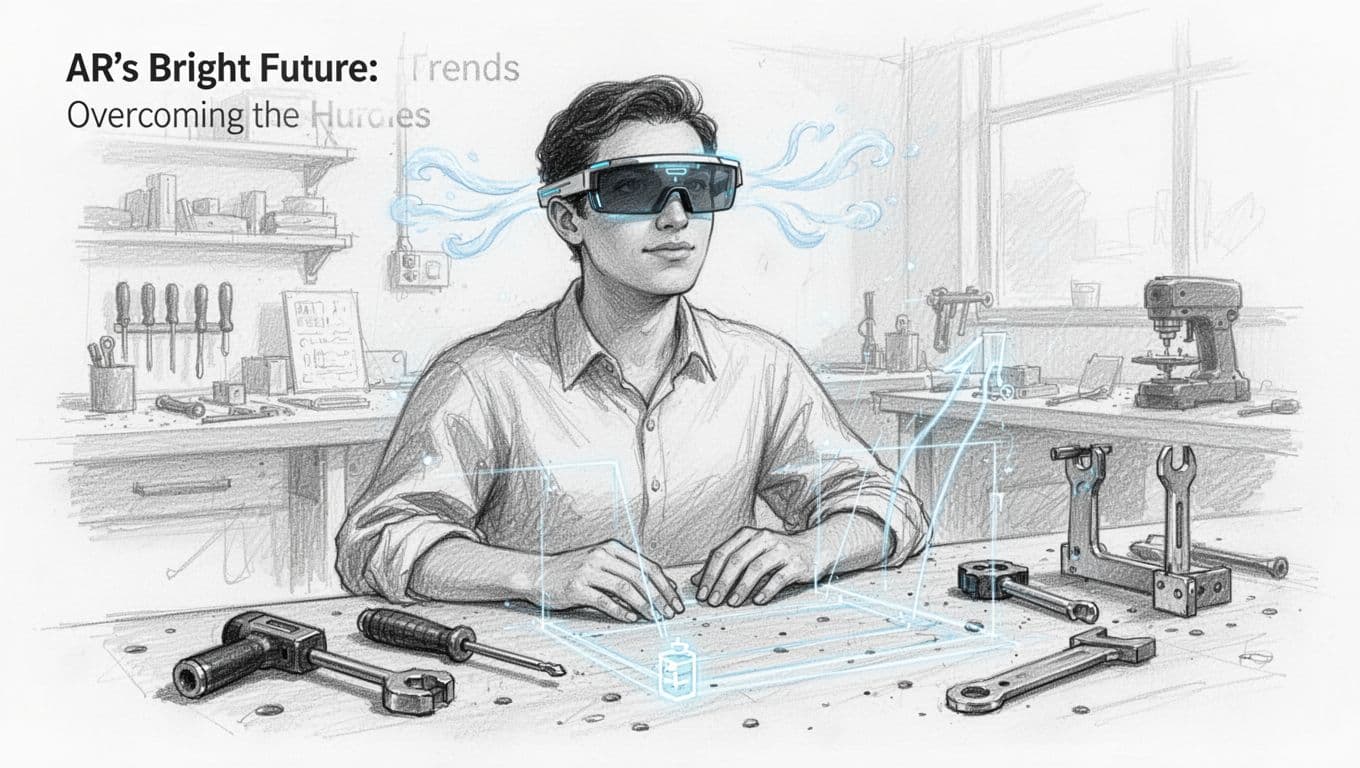
AR is starting to feel less like a demo and more like a tool. The reason is simple, the fixes are finally lining up: better chips, longer battery life, smarter AI, and more work offloaded to the cloud. On top of that, privacy controls and newer headset designs are making people more comfortable trying AR at work, and even at home.
Better chips and batteries: fewer “warm” surprises
If you’ve ever used a phone while gaming, you already know how heat forms when hardware works hard. AR asks for that same kind of effort, because it must track motion, map space, and render overlays. However, 2026 improvements focus on doing the same job with less power.
Newer AR chips aim for two things at once: higher efficiency and steadier tracking. As a result, devices can keep overlays locked in place without running hot. Batteries are also getting better, not just in raw capacity, but in how they handle load. Heat management and power caps matter just as much as milliamp-hours.
For everyday use, the biggest change is runtime confidence. People don’t need AR to work for 15 minutes. They want it to cover a commute, a shift, or a long afternoon. When battery life improves, the device stops feeling like a gadget and starts feeling like equipment.
AI + 5G + cloud: offloading the heavy work
AR glitches often come from timing problems. Motion happens fast, and the system has to respond immediately. In 2026, companies are tackling that issue with a mix of AI prediction and better connectivity.
AI helps by understanding what you are likely trying to do. Then it can prepare overlays in advance, so the scene feels more stable. It also helps with object recognition, so the system needs fewer “retries” to lock onto the right surfaces.
Meanwhile, 5G and cellular growth matter because they let devices offload heavy tasks. Cloud services can process data, then stream results back. That reduces on-device load, which in turn helps with both battery drain and overheating.
In short, think of AR like a smart assistant in your pocket. When the cloud is available, the assistant can ask for help instead of trying to solve everything alone.
Privacy controls in 2026: screenless designs and smarter data choices
Privacy anxiety isn’t going away, so AR systems need better defaults. In 2026, one major trend is more screenless enterprise AR. These devices can provide guidance without always showing a full camera feed to users or bystanders.
That matters because privacy risk often rises when devices continuously capture surroundings. With some screenless setups, the experience focuses on hands-free instructions, while the device handles data more carefully in the background.
At the same time, adoption grows when companies treat privacy as a product feature, not a legal afterthought. You should expect clearer controls around what gets collected, how long it’s kept, and what gets processed on-device versus in the cloud.
If you want a snapshot of recent AR shifts that touch hardware and policy, AR hardware and policy shifts in 2026 offers a useful read.
The future of AR depends on trust. If the system feels like it’s watching you, people will step back.
Enterprise growth: where AR is already paying rent
AR doesn’t spread evenly. Instead, it takes root where value is measurable. That’s why enterprise AR is growing faster than consumer AR in many settings. Factories, field service, utilities, and healthcare training all benefit from AR guidance tied to real tasks.
Enterprise glasses also get a head start because budgets exist for rollout, support, and maintenance. Companies can standardize workflows, so AR guidance stays consistent. They can also train teams on safe use and best practices.
In addition, AR in the workplace often focuses on structured needs:
- Maintenance checklists that stay aligned to parts
- Step-by-step assembly guidance in real time
- Remote expert help when travel slows work
- Training that reduces errors before someone ever touches equipment
This is how AR earns credibility. Over time, people stop asking, “Will this work?” and start asking, “When do we roll it out to the next team?”
If you’re looking for a practical look at value versus cost in 2026, AR glasses cost-benefit analysis breaks down the tradeoffs in a straightforward way.
Why the benefits should outweigh the limits long-term
AR’s hurdles are real, but most of them come from the same root cause: early hardware trying to do too much at once. Now, improvements target that bottleneck across the full stack.
Better chips and batteries reduce heat and improve comfort. AI stabilizes overlays and reduces “lag moments.” 5G and cloud offload heavy work so devices can stay cooler and last longer. Screenless designs and privacy controls reduce the fear factor that slows adoption.
So what changes for you, personally? You should see AR move toward clearer, safer uses. In play, it becomes more reliable and less distracting. In work, it becomes less of a novelty and more of a dependable guide.
And once AR becomes dependable, people use it more. That feedback loop pushes hardware and software to improve again. In that way, AR’s bright future is not just hype. It’s a steady march from “interesting” to “useful.”
Conclusion
AR delivers real benefits because it adds helpful context to the real world, especially in learning, training, healthcare, and shopping. At the same time, the limitations of AR are just as clear, cost barriers and privacy risks lead the list, and battery life plus comfort can still fall short during longer use.
The strongest takeaway is trust. When AR stays accurate, runs cool enough for daily sessions, and respects user data (with clear controls), people use it more and teams see better results. When it drifts, overheats, or over-collects, AR feels more like a problem than a tool.
If you want a practical next step, try one simple AR app this week (a furniture preview, a virtual try-on, or a basic AR learning app). Then share what worked and what didn’t in the comments.
What do you want AR to get right first in 2026, better privacy controls or smoother everyday performance?