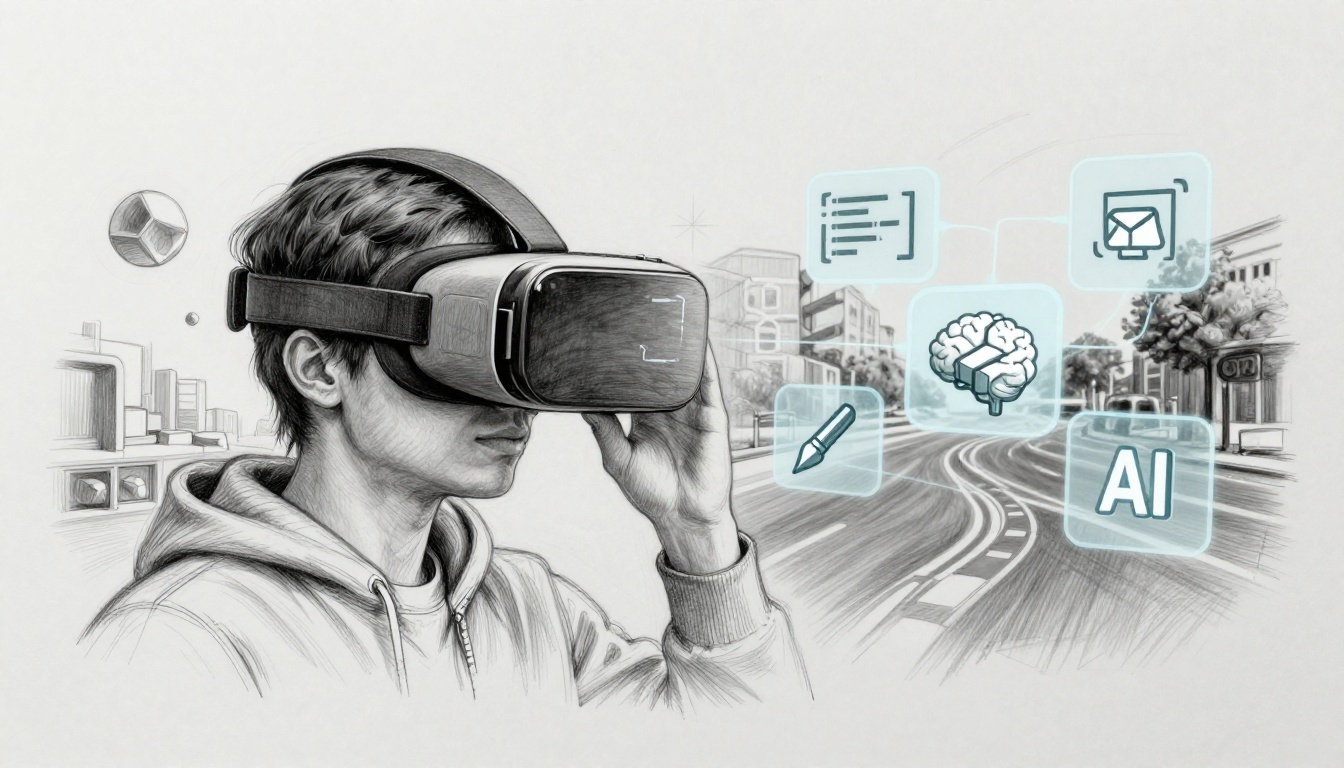
VR and AR are growing fast in 2026, and you can feel it in how people train, shop, and learn. Mixed reality is also changing gaming and daily life, thanks to headsets like Apple Vision Pro and Meta Quest 3.
Here’s the simple way to think about it: VR puts you inside a digital world. AR overlays digital info on the real one. If you want to build with either, you need a mix of technical skills and design sense.
The good news? You don’t need a computer science degree first. You need a clear roadmap, small practice projects, and the right priorities. With enterprise training roles expanding and AI-enhanced apps becoming more common, now is a smart time to start.
Next, let’s start with the one skill that controls everything you make: programming.
Programming Basics to Bring VR/AR Ideas to Life
Programming is the core skill for VR and AR, because it turns ideas into actions. A button becomes a hand grab. A scene becomes a walkable space. Without code, you can place objects, but you can’t make them respond.
Most beginners get stuck because they try to build “a whole app” too early. Instead, aim small. Make one interaction work, then repeat it. For example, program a cube that rotates when you point at it. When that works, you can add movement, then add more objects.
VR and AR also depend on real-time systems. That means you need to think in loops (keep updating), conditions (check what happened), and object logic (what each thing should do).
If you want a friendly start, use Unity’s guided VR path, then build along. One good example is Create with VR – Unity Learn, which helps you learn by building an end-to-end prototype.
Meanwhile, you don’t need every language at once. You pick one for your first engine, then expand later.
Top Languages and Why They Matter for VR/AR
Your language choice mostly depends on your platform and engine. Here’s the quick guide that maps to real VR/AR work.
- C# (Unity): C# lets you script interactions in Unity without starting from scratch. It’s common in VR prototypes and many training apps.
- C++ (Unreal): C++ helps when you need maximum performance or Unreal-specific workflows. It’s great for high-fidelity projects, but it asks more of your time.
- JavaScript (WebXR and browser AR): JavaScript fits browser-based XR experiences. It’s ideal if you want AR demos that run in a web page.
- Java (Android AR): Java shows up in Android-based AR tools and apps. If you plan to target phones and tablets, it matters.
- Swift (Apple Vision Pro and iOS AR): Swift matters when you build on Apple platforms and want tighter integration with Apple tooling.
Most beginners should start with C# + Unity. It’s approachable, and it has strong support for VR interactions.
If you want a dedicated warm-up for C# before Unity, XR Bootcamp offers a free Learn C# for Unity course designed for beginners. That kind of structure helps because VR learning already has enough moving parts.
Pick one path. Learn it well. Then branch out.
Core Coding Concepts Every Beginner Needs
You only need a few basics to start building VR/AR logic. The concepts below show up in almost every project, even later ones.
- Variables store values like score, player state, or how far you walked.
- Loops repeat actions, like updating movement each frame.
- Conditionals check what happened, like “if the hand grabs the object.”
- Functions group repeated logic, like “rotate object” or “play sound.”
- OOP (object-oriented programming) organizes code into classes, so each VR object can act like itself.
In VR, OOP helps because every thing feels like a character. A door should have rules. A target should respond. A tool should behave differently.
Here’s a simple example (concept-level) for a VR interaction:
- Create a class for the object.
- Store a variable like “isGrabbed.”
- In an update loop, check if grab input is active.
- If grabbed, move the object to the hand position.
- Otherwise, keep it in place.
Don’t rush into advanced patterns. Focus on making small interactions stable. When you can predict what your code does, you’ll build faster.
For extra confidence, practice with short sessions. Try one mini-build per day. One day can be “rotating object.” Another day can be “grab and release.”
Also, keep your projects tiny enough that you can finish them. Finishing builds momentum.
Master the Right Tools and Software for Building Immersive Worlds
Tools matter because VR and AR development is visual. A strong editor, a good engine, and working hardware testing cut your time in half.
Good tools also let you avoid the hardest part early on: building 3D foundations from scratch. Engines handle the basics like rendering scenes, managing cameras, and handling physics. You still need to learn what’s happening, but you don’t need to reinvent the wheel.
For VR and AR, these tools usually form your first stack:
- A game engine (Unity or Unreal)
- A 3D creation tool (Blender, Maya, or Cinema 4D)
- Device testing setup (Meta Quest, Vision Pro, or a phone AR stack)
- Optional: AI or vision APIs later on
Start with the engine first, then add modeling tools. If you begin with modeling alone, your early progress will feel slow.
Game Engines: Unity and Unreal Engine Essentials
Unity and Unreal Engine both build VR and AR apps. They differ in workflow, scripting style, and learning curve.
Here’s a quick comparison that helps you choose:
| Engine | Best for beginners? | Main scripting feel | Common strengths |
|---|---|---|---|
| Unity | Yes | C# scripting, plus options for visual workflows | Tons of tutorials, asset store, fast iteration |
| Unreal Engine | Mixed | C++ plus Blueprints | Strong visuals, powerful tooling, great for realism |
Take these steps for your first VR scene:
Unity
- Create a VR project.
- Add a basic environment or simple room.
- Drop in a controller or hand setup.
- Make one interaction work (like grabbing).
Unreal Engine
- Start a VR-ready template project.
- Add a basic map or empty level.
- Use Blueprints or C++ to respond to input.
- Test movement and object interaction.
Unity often wins for early learning because the learning path stays clear. Unreal can be a great second step once you already understand VR basics.
3D Modeling Tools to Create Your First Assets
You don’t need to model like a pro. You need enough skill to create simple assets that look good in VR.
Blender is the most beginner-friendly option because it’s free. With Blender, you can build chairs, blocks, and simple characters. Then you can export them into your engine.
To get started, use How to Make a 3D Model in Blender for a step-by-step workflow.
For VR, aim for clean shapes and readable silhouettes. In headsets, tiny details can disappear. Also, keep polygons reasonable at first.
A good beginner model plan:
- Start with one object type (like a chair or crate).
- Model it, add basic materials, then export.
- Place it in your VR scene.
- Test it from multiple distances.
If you later want characters, you’ll add rigging and animation. For now, build confidence with static models and simple motion.
Hardware for Testing: Headsets and Setup Tips
You can learn theory without a headset, but you can’t fully learn VR/AR without testing on real hardware. Comfort, tracking, and controls only feel real when you wear them.
For an entry device, Quest 3 is popular because it can run standalone. For spatial computing experiments, Apple Vision Pro opens a different workflow. Either way, you should plan to test often.
Before you build big, set up developer mode and connect your device for testing. For Meta Quest, start with the official guidance in Getting Started with Meta Quest Developer Hub.
A few setup tips that save time:
- Use the right cable and keep it handy.
- Turn on developer mode before you install builds.
- Restart the headset after major changes.
- If tracking feels off, check lighting and controller pairing.
Here’s the gotcha to remember:
VR comfort problems often look like “coding bugs.”
In many cases, they’re setup and performance issues.
Also, test early. Even a simple scene can reveal bad movement speed or poor grabbing distance.
Boost Your Projects with Math and Design Know-How
Math and design might feel scary at first. However, you need only a practical slice. Enough to stop jitter, fix rotations, and avoid motion sickness.
Design also matters because VR isn’t just “3D.” It’s presence. Your users feel where things are. If your experience feels confusing, they won’t stay long.
So you need two kinds of skills:
- Math for movement, rotations, and stable cameras
- Design for comfort, clarity, and fun
Math Skills for Realistic 3D Movements and Views
In VR, math shows up as positions and directions. Luckily, engines handle much of it. Still, you should understand the basics.
Start with vectors. Think of a vector as an arrow. It has direction and distance. You’ll use it for movement, aiming, and camera directions.
Next, learn trig at a basic level. Trig helps when you convert angles into motion paths. It also supports things like “turn toward target” behavior.
Then learn transforms. You’ll see matrices behind the scenes, but your real goal is understanding how objects change:
- Position (where it is)
- Rotation (how it turns)
- Scale (how big it is)
Finally, understand the reason rotations can wobble. Quaternions help avoid some of the issues that come from Euler angles. You don’t need to prove math theorems. You need to recognize why smooth rotation matters.
If your rotation feels jittery, users feel it instantly in VR.
One practical approach: trust engine tools for math when possible, then learn what those tools expect. When you know what inputs mean, debugging becomes much faster.
Design Tricks for Comfortable, Fun Experiences
Design skills protect your users and your ratings. In VR, comfort is not optional.
Start with spatial UX. Make menus easy to find. Keep actions close to the user’s natural reach. If you place controls behind the user, they’ll fight the experience.
Then control pace. Fast motion can trigger nausea. Instead, use stable movement and short bursts. Teleport movement often feels better for beginners, especially in early prototypes.
Also, focus on clarity:
- Use consistent object sizes and spacing.
- Make interaction cues obvious.
- Give feedback right away (sound, small movement, or haptic vibration).
Creative work helps too. Sketch your idea as a simple plan. Then prototype quickly. In VR, a quick “ugly version” beats a perfect plan.
Soft skills matter as well. You may work with artists, designers, or developers. Being able to explain tech decisions to non-coders helps a lot, especially on small teams.
Gear Up for 2026 Trends That Will Define VR/AR
Skills in 2026 are shifting from “just 3D” toward “smart and measurable experiences.” That shift comes from AI, better sensors, and more enterprise adoption.
Recent US-focused forecasts point to strong growth in XR roles, with jobs already above 800,000 and possible growth to 23 million by 2030, driven by training and manufacturing. In workforce training, growth is especially high.
So what should you build toward?
AI and Machine Learning: Smarter, Personal Worlds
AI helps VR/AR feel less scripted. It can power smarter NPC behavior, adaptive tutorials, and virtual guides.
Common AI-powered ideas in XR:
- AI-guided training with different difficulty levels
- Chatty virtual coaches that answer questions
- AI-generated scenes for faster prototyping
- Smarter NPC paths that react to what users do
If you want an easy entry, start with training agents. Unity has learning tools for machine agents (often used for practice and experiments). You don’t need deep AI research to use AI in a project. You need enough coding to connect logic and test outcomes.
In a job search, the mix of XR + AI basics stands out. Many roles now ask for both experience and the ability to ship working prototypes.
A good rule: build the VR interaction first. Then add AI one feature at a time.
Mixed Reality, Tracking, and Enterprise Shifts
Mixed reality blends real and digital spaces. It often feels like “the next step” for training and collaboration.
In practice, MR can use passthrough cameras to bring the room into your app. That helps teams train without full immersion. It also helps reduce the “I can’t find the world” feeling.
Tracking is another big trend. Better body tracking can make avatars feel more natural. It also improves safety in training simulations.
Enterprise training is a major driver. In the US, government programs have invested heavily in VR/AR for training, including large budgets tied to military and specialized practice. Many training buyers care about retention, measurable skills, and repeatable setups.
In VR training, small changes matter. If users can repeat the same task safely, learning improves. That’s why tracking, performance, and stable interactions matter.
What should you do now?
- Program a core interaction.
- Add tools and math basics (movement, rotation, camera control).
- Test on one headset.
- Then experiment with AI features or tracking upgrades.
That step-by-step approach keeps you from burning months without shipping anything.
Conclusion
VR and AR skills come down to four buckets: programming concepts, the right tools, practical math and design, and staying current with 2026 trends. If you focus on these in order, you’ll make progress instead of getting stuck.
Now, tie it to action. Start small and ship something you can test.
- Week 1: Learn the coding basics (variables, loops, conditions) in your chosen language.
- Weeks 2 to 3: Build one Unity VR scene with a simple interaction, like grab, place, or rotate.
- Ongoing: Keep prototyping. Add one feature at a time (UI in space, better locomotion, then AI).
Pick one skill today, and build until it works in a headset. When you see your own interaction come to life, the next step feels obvious.